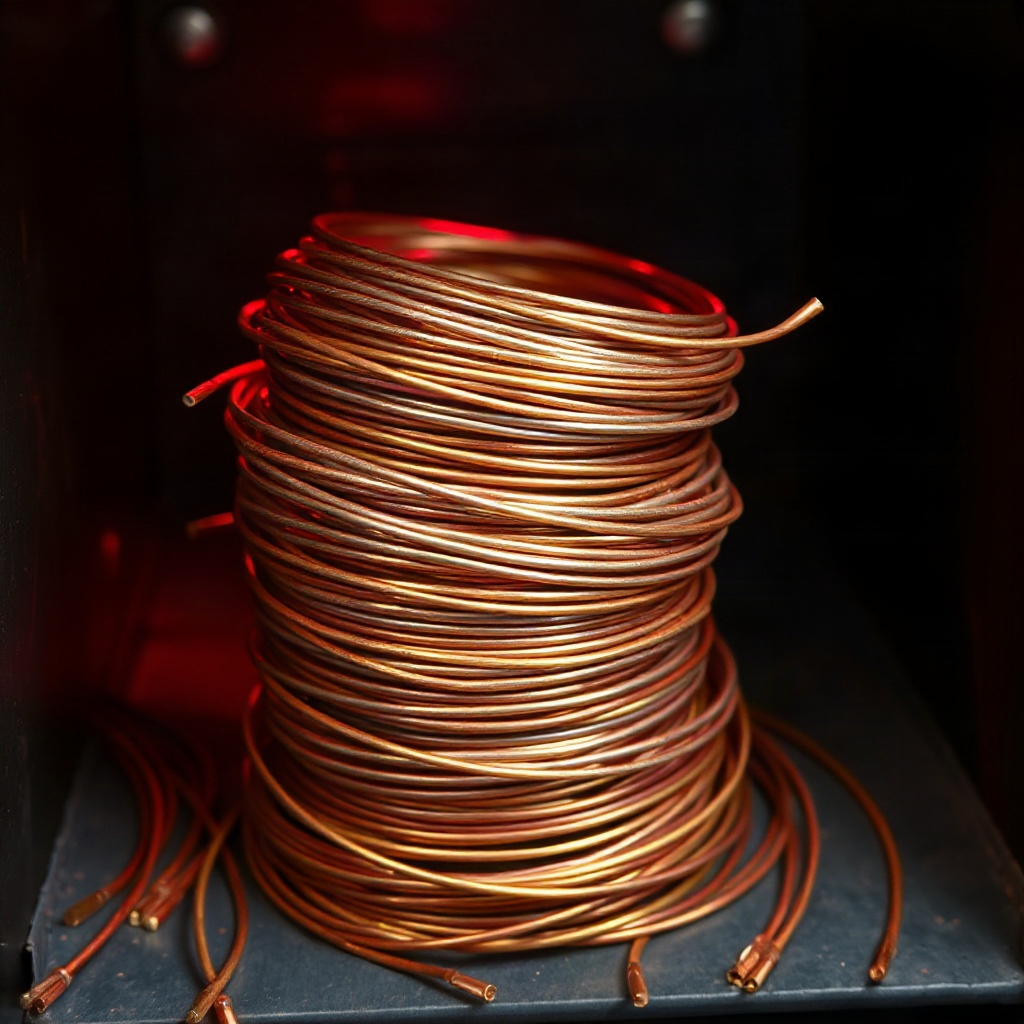
Wire Studio canvas
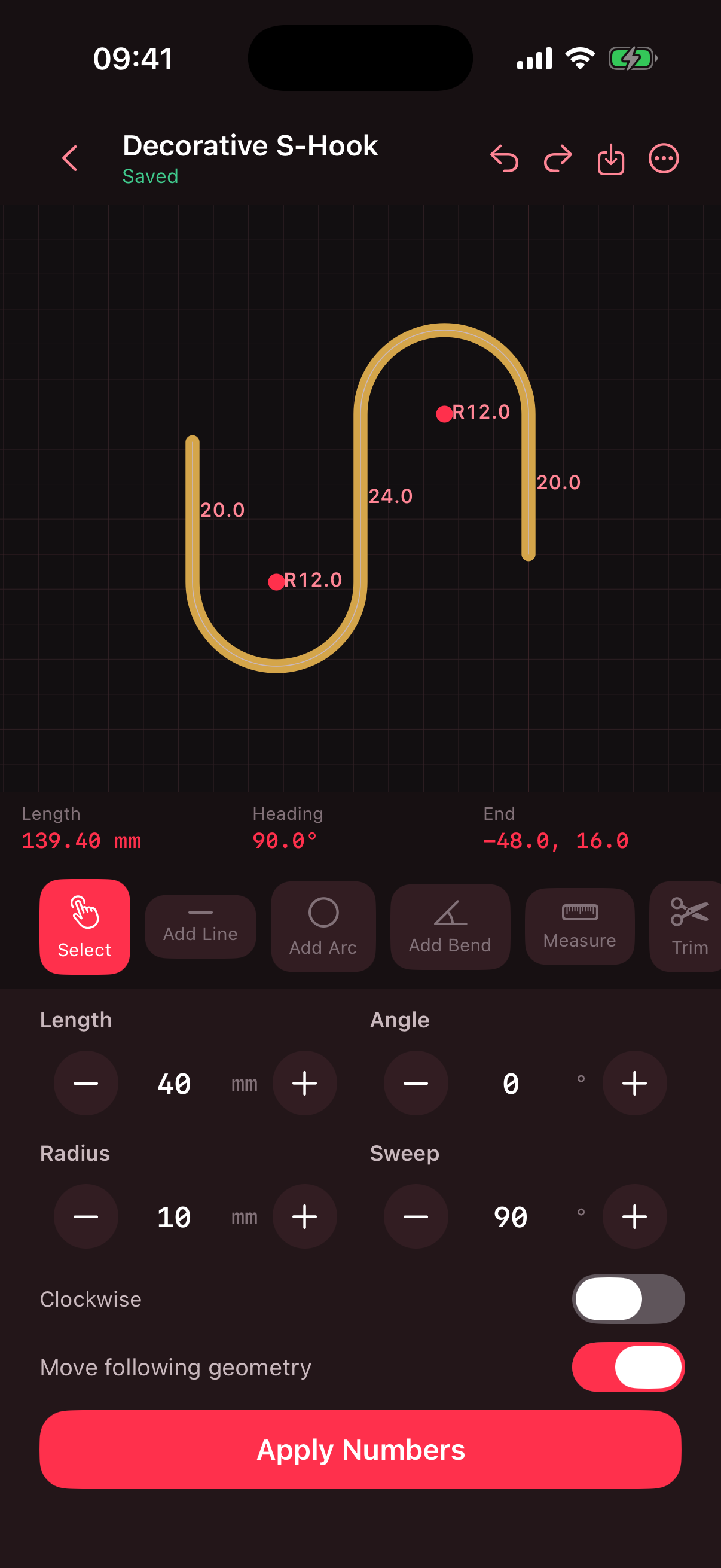
Plot lines, arcs, and centerline bends with length, angle, radius, and sweep controls that stay locked to the path.
Wire planning studio
Draw the path. Define the bend. Plan wire shapes before metal hits the jig.

On the bench
JWire keeps geometry editable — lines, arcs, bends, stock notes, and export packs in one local workshop.
Plot lines, arcs, and centerline bends with length, angle, radius, and sweep controls that stay locked to the path.
Walk cumulative centerline distance from the chosen start so each feed and arc is clear before you pick up the stock.
Keep hooks, brackets, and ornaments in a searchable local archive with variants, favorites, and category filters.
Track material diameters and notes, then ship PDF, SVG, PNG, or JSON packs straight to the cutting template workflow.
Inside the app
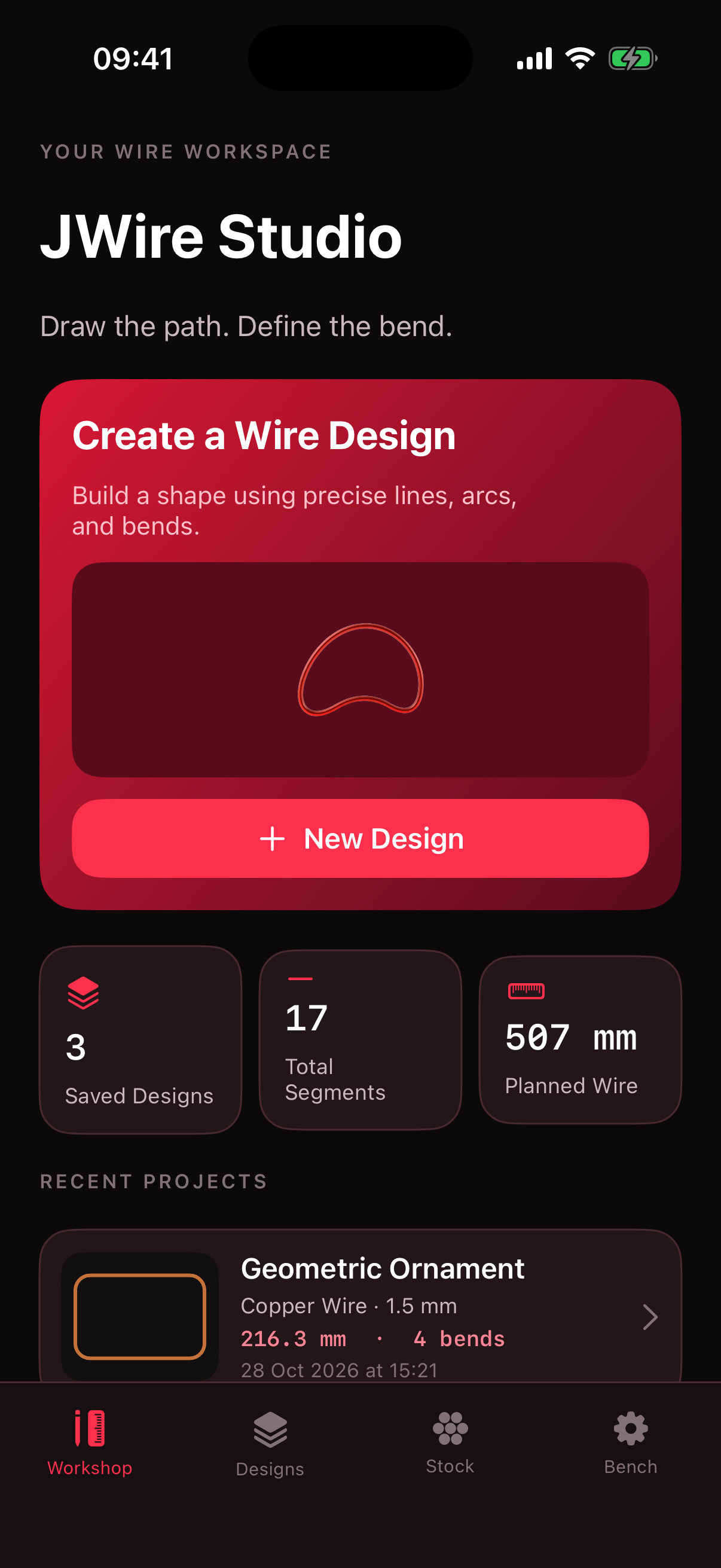
Real captures from the iPhone build — editor geometry on the left, workshop hub on the right.
Effective date: 29 October 2026
JWire does not collect personal data. Designs, materials, and preferences you create are stored on your device.
The app does not require an account to use its planning features. If you contact us by email, we use the address you send only to respond to your request.
We may update this policy when the app changes. The date above shows the latest revision.
Questions about wire planning, exports, or this site — write to the contact below.
We aim to reply within a few business days.